Introduction 📚
In the world of research and academia, managing references is an essential task. Whether you're writing a scientific paper, a technical report, or a thesis, having control over your references can save you a significant amount of time and effort. This blog will explore various software options available for managing references, with a focus on Mendeley, a popular tool among researchers.
Dealing with references involves ensuring that every citation in your text corresponds to an entry in your reference list and that all formatting is correct. This process can be laborious if done manually, but with the right software, it becomes much easier. Let's dive into the various software options available for managing references.
Software 🖥️
There are several software tools designed to help researchers manage references efficiently. Each tool has its unique features, advantages, and potential drawbacks. Here are some of the most notable options:
- Mendeley
- Qiqqa
- Readcube
- Zotero
While all these tools can be helpful, this blog will primarily focus on Mendeley and Qiqqa, as they are the ones most commonly used by the author.
Mendeley Overview
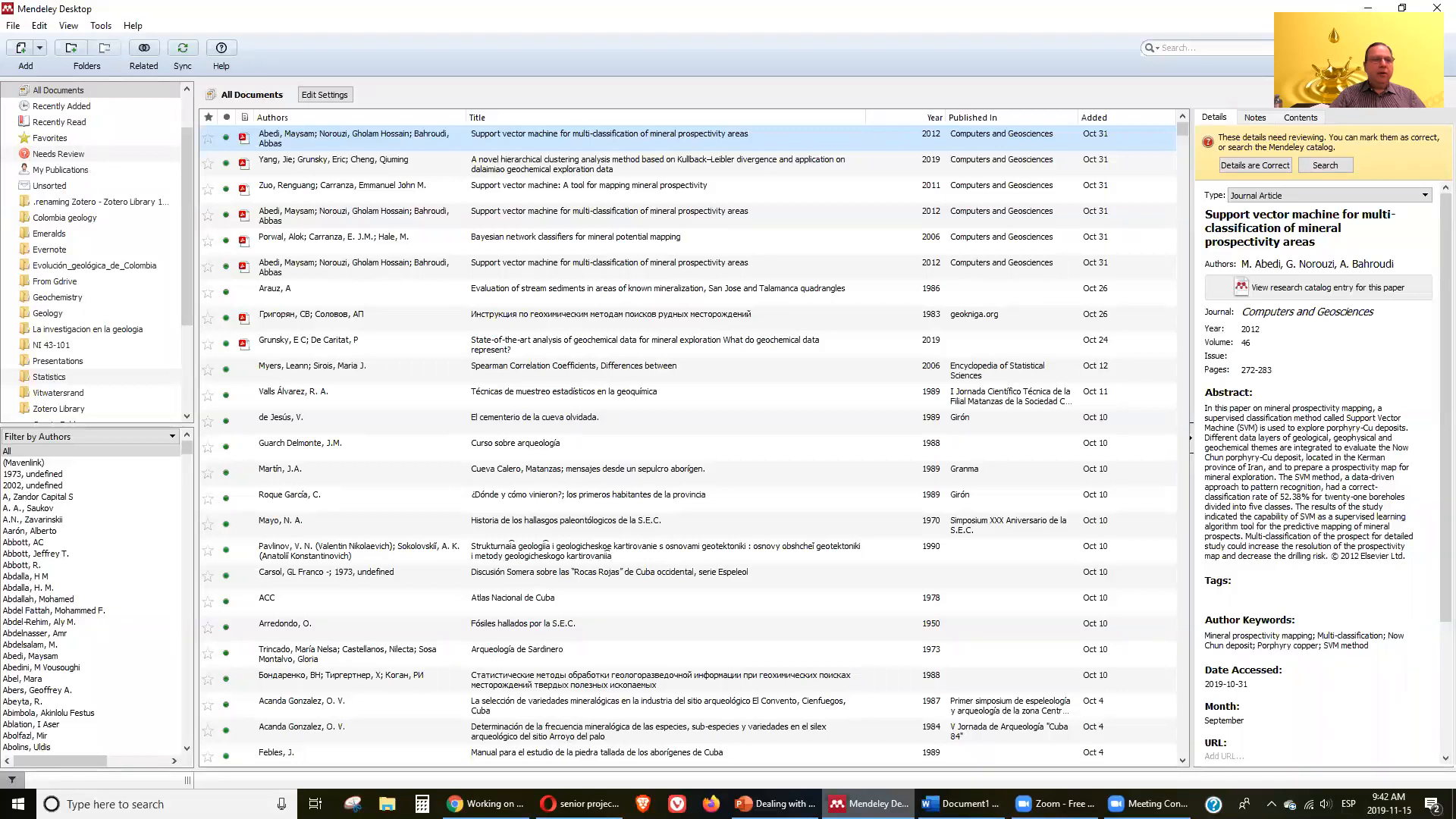
Mendeley is a free reference manager that allows you to organize your research, collaborate with others online, and discover the latest research. It can be downloaded from Mendeley.com. Once you register, you can access your references from any device with an internet connection.
Features of Mendeley
Mendeley offers several features that make it a powerful tool for managing references:
- Cloud storage for documents
- Ability to add various document types
- Watch folder for automatic updates
- Manual entry of references
- Import/export databases
- Synchronization across devices
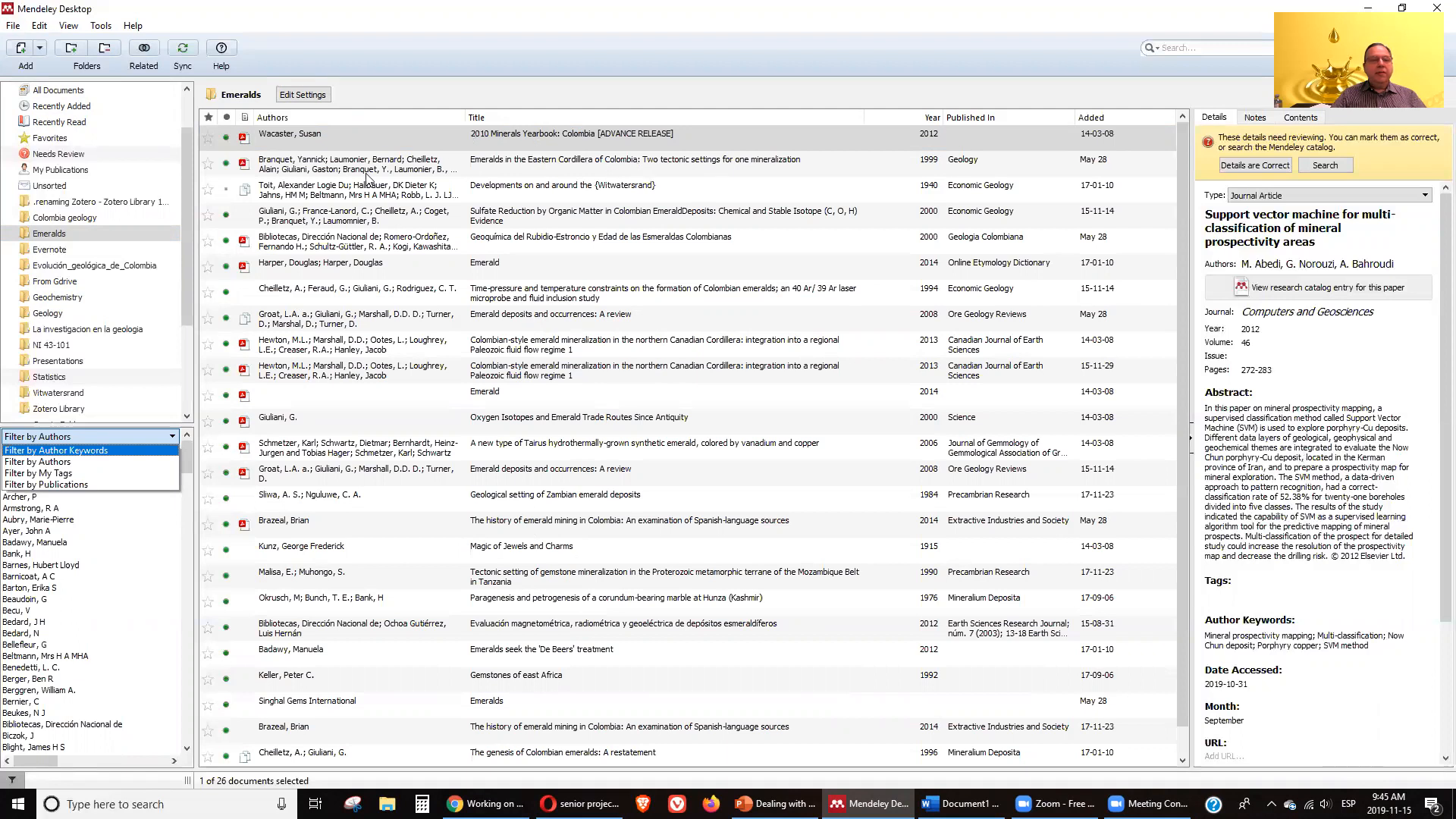
With Mendeley, you can create folders to organize your references, filter your literature by authors, tags, or publication, and view metadata for each article.
Reading and Annotating Documents
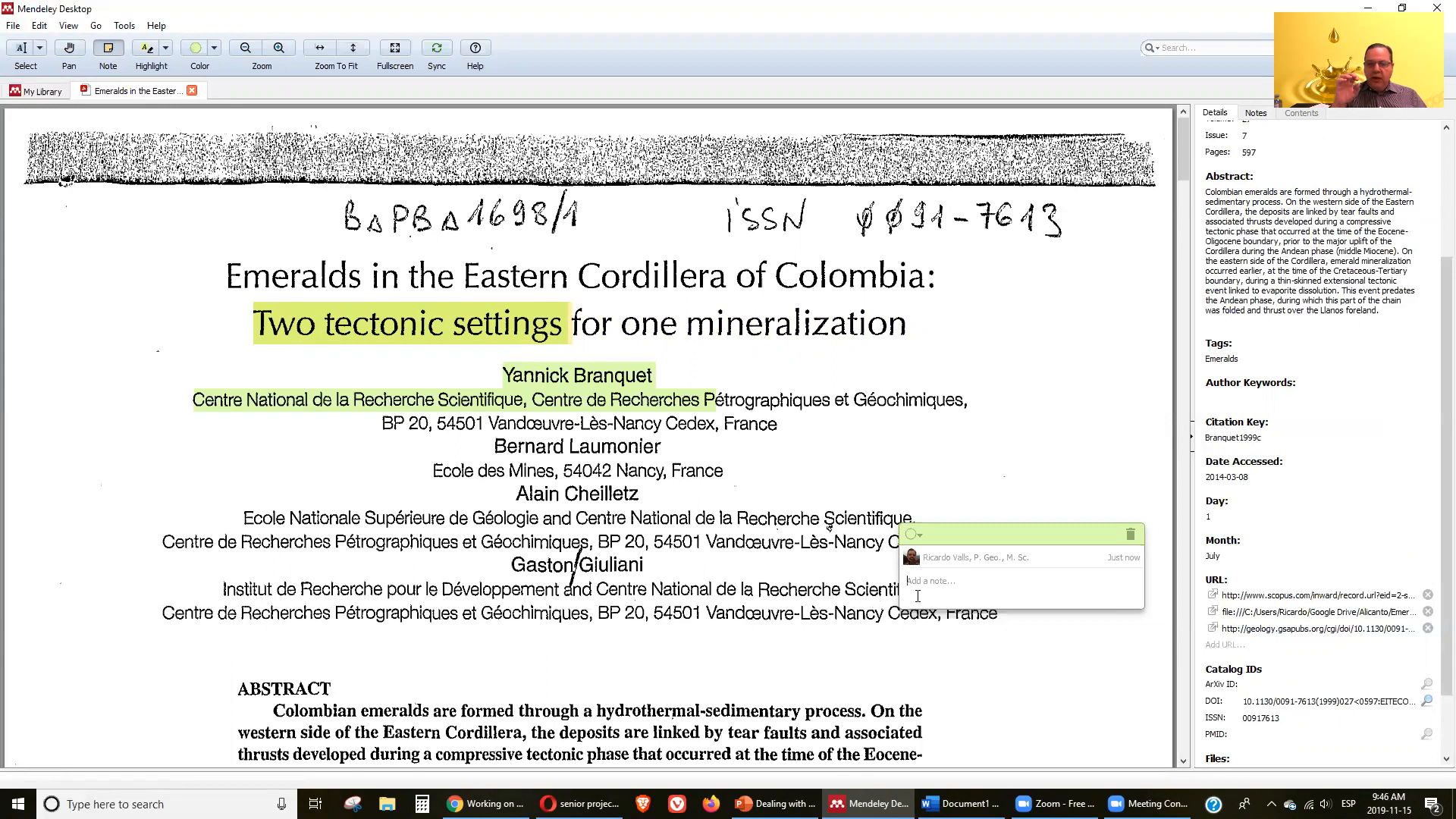
One of the key advantages of Mendeley is its reading and annotation capabilities. You can highlight important sections of documents, change highlight colors, and add notes. This feature allows you to extract useful information efficiently and keep your notes organized for future reference.
Web Importer and MS Word Plugin
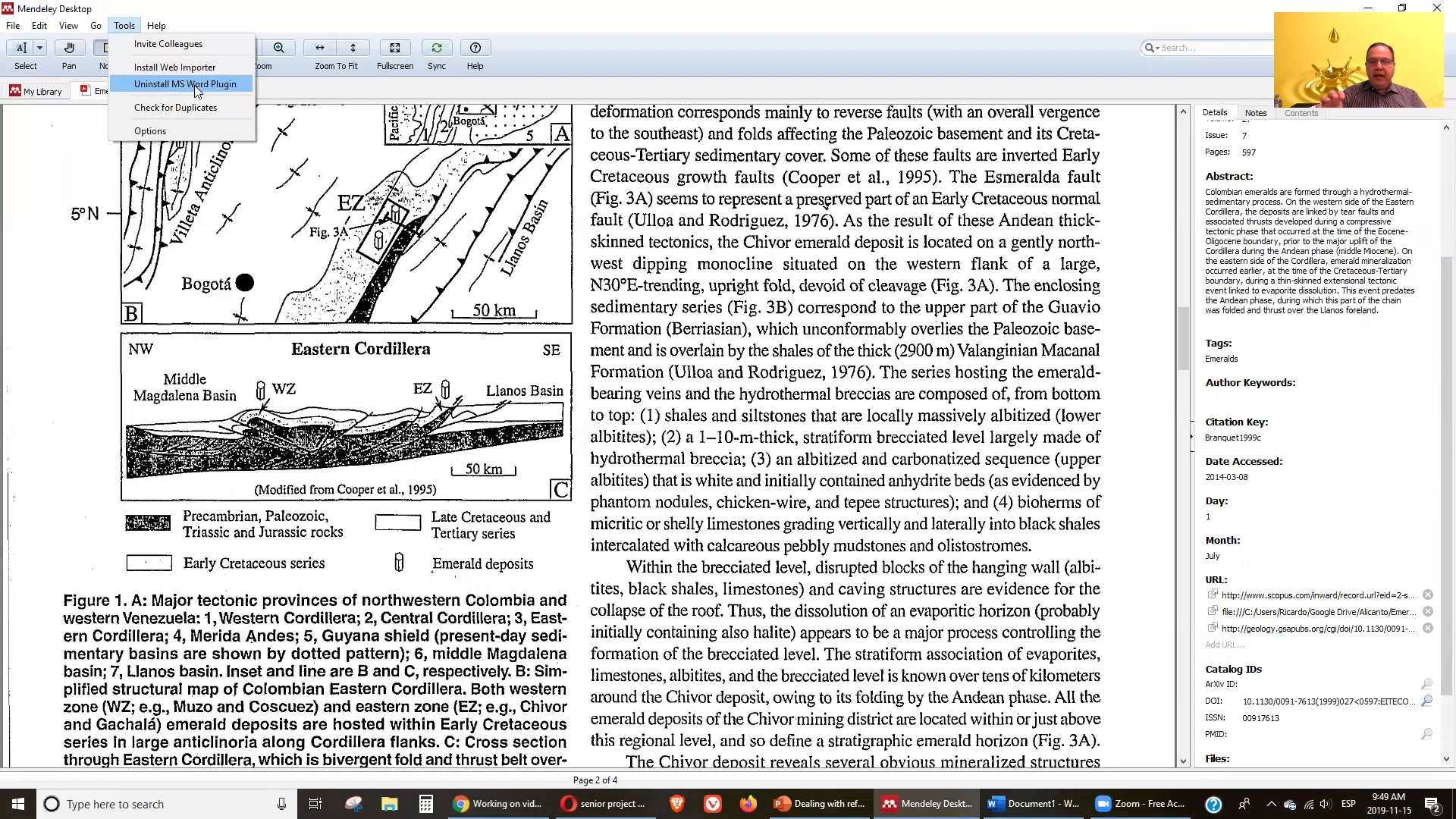
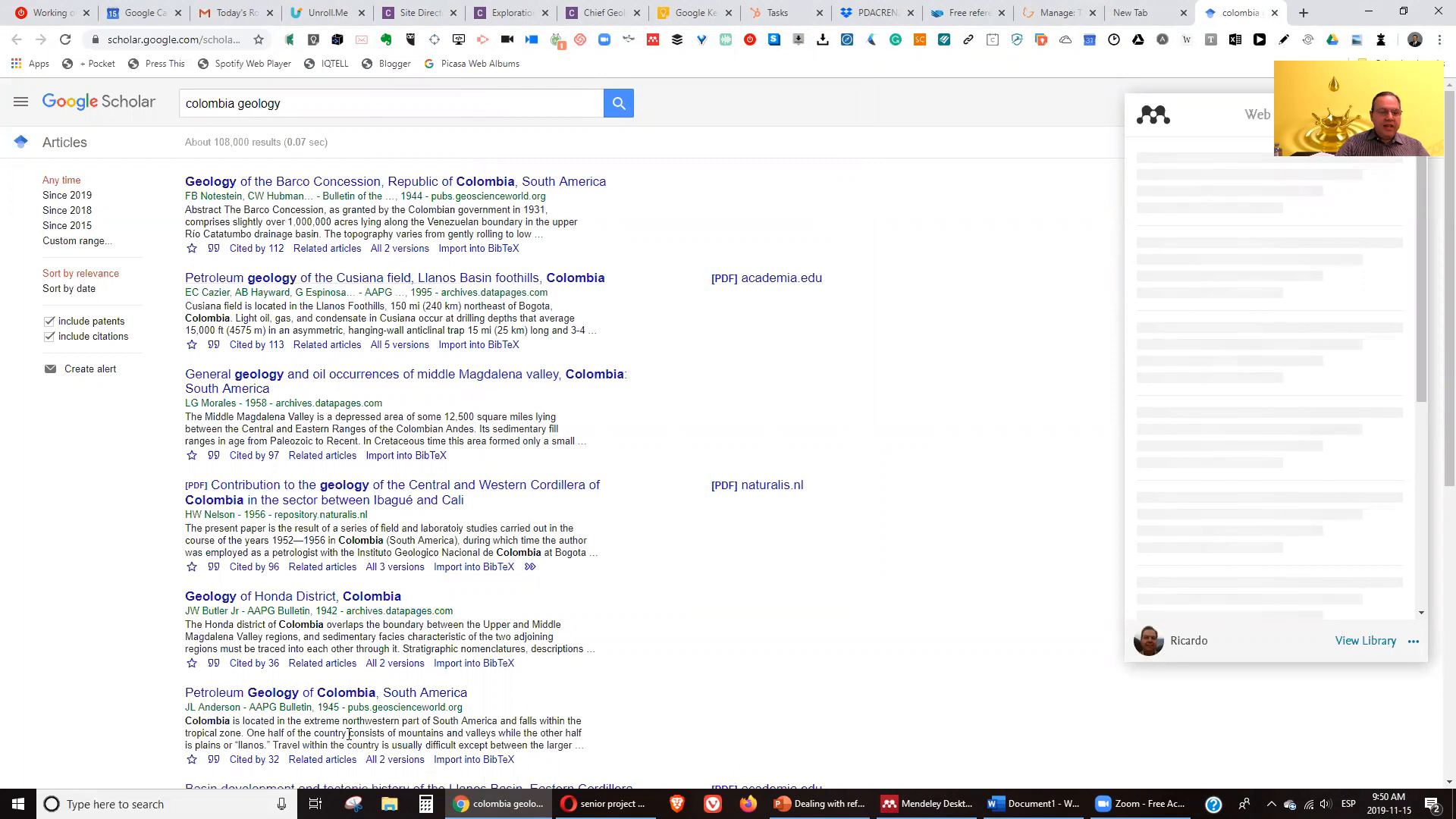
To maximize Mendeley's functionality, you should install the Mendeley Web Importer and the MS Word plugin. The web importer allows you to save articles directly from your browser into Mendeley, while the Word plugin enables you to insert citations and references in your documents seamlessly.
Using Kopernio with Mendeley
Kopernio is another useful tool that can be integrated with Mendeley. It helps you quickly find citations, papers, and PDFs related to your research topic. By utilizing Kopernio, you can easily save both the citation and the corresponding PDF directly into your Mendeley library.
Working with Mendeley in Word Documents
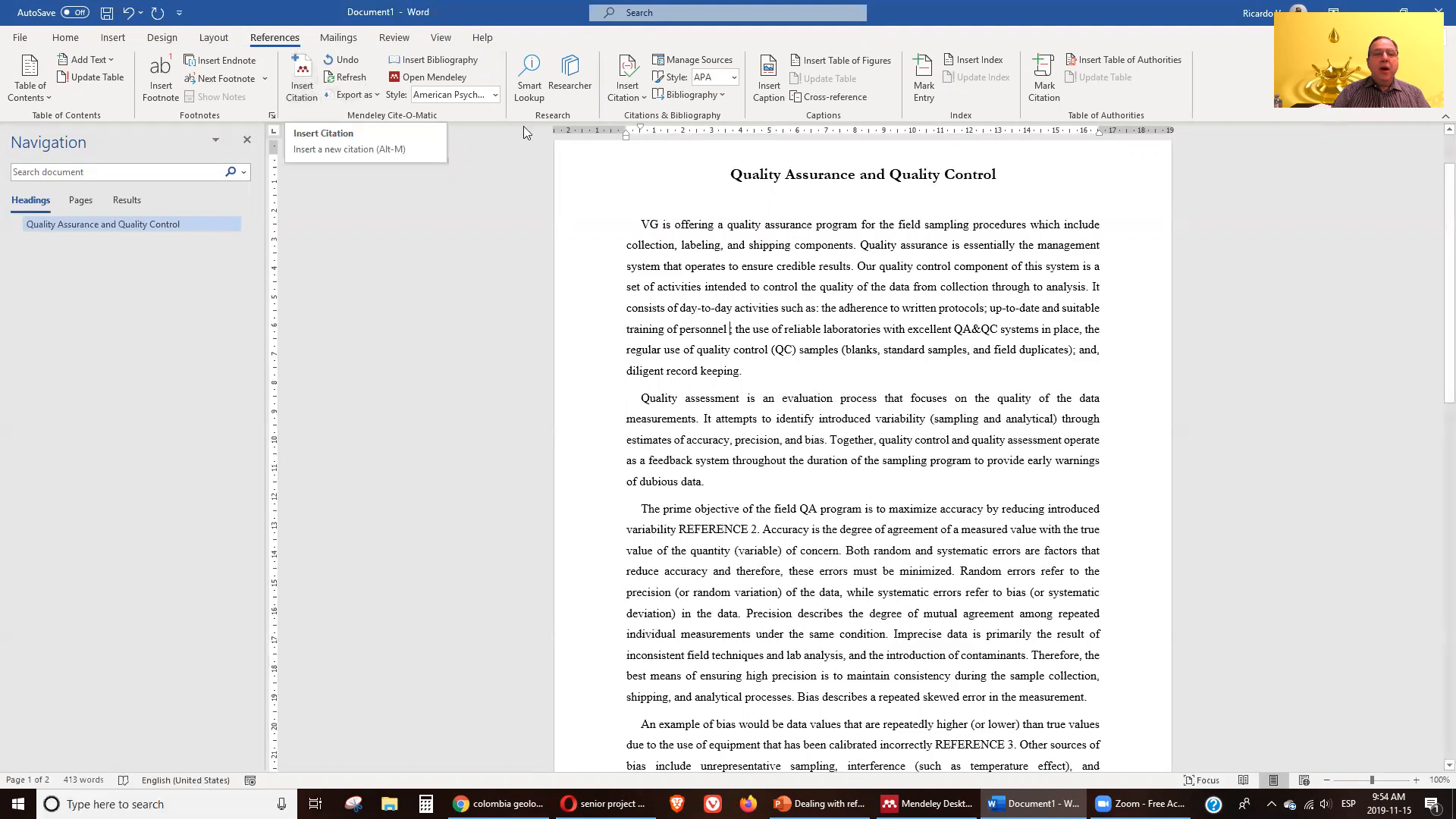
Once you have installed the MS Word plugin, using Mendeley to manage references in your documents is straightforward. You can select from various citation styles, such as APA, and easily insert citations as you write. This feature streamlines the process of creating your bibliography at the end of your document.
Mendeley vs Qiqqa 🔍
While Mendeley excels in managing references and integrating with word processors, Qiqqa is another powerful tool that offers more robust document management capabilities. Qiqqa is particularly useful for reading and studying as it helps extract information from documents more effectively.
This blog will cover Qiqqa in more detail in the next episode, but it's important to note that many researchers find it beneficial to use both Mendeley and Qiqqa in tandem. Mendeley serves as the primary tool for citation management, while Qiqqa can be used for deeper document analysis.
Mendeley for Collaboration 🤝
Mendeley also facilitates collaboration among researchers. You can create groups to share references and documents with colleagues, making it easier to work together on projects. This feature is especially useful for academic teams or research groups that need to keep track of multiple sources and contributions.
Additionally, Mendeley's ability to synchronize across devices ensures that all team members have access to the latest version of the reference library, regardless of where they are working.
Conclusion 📝
In conclusion, managing references is a critical part of the research process, and using software like Mendeley can significantly streamline this task. With its cloud storage, note-taking features, and integration with word processors, Mendeley stands out as a top choice for researchers looking to organize their references effectively.
For those interested in exploring more about reference management, consider checking out ORCID, which provides a unique identifier for researchers and helps in maintaining an accurate record of their work.
Stay tuned for the next episode, where we will dive deeper into Qiqqa and explore its features and advantages for document management.
Made with VideoToBlog


No comments:
Post a Comment