In the field of geology, having the right tools can make all the difference. With the advancements in technology, smartphones have become essential companions for geologists. This blog post delves into the various applications that can transform your iPhone or Galaxy into a powerful mapping tool. Let's explore how these apps can enhance your fieldwork and improve your geological measurements.
Table of Contents
- Essential Mapping Applications 📍
- Geological Applications for Fieldwork 🪨
- Conclusion: Embrace Technology in Geology 📱
- FAQs ❓
Essential Mapping Applications 📍
When it comes to mapping, the applications available for smartphones are both numerous and versatile. Among the many options, some stand out for their functionality and ease of use. Here are the top applications that can assist you in your geological mapping endeavors.
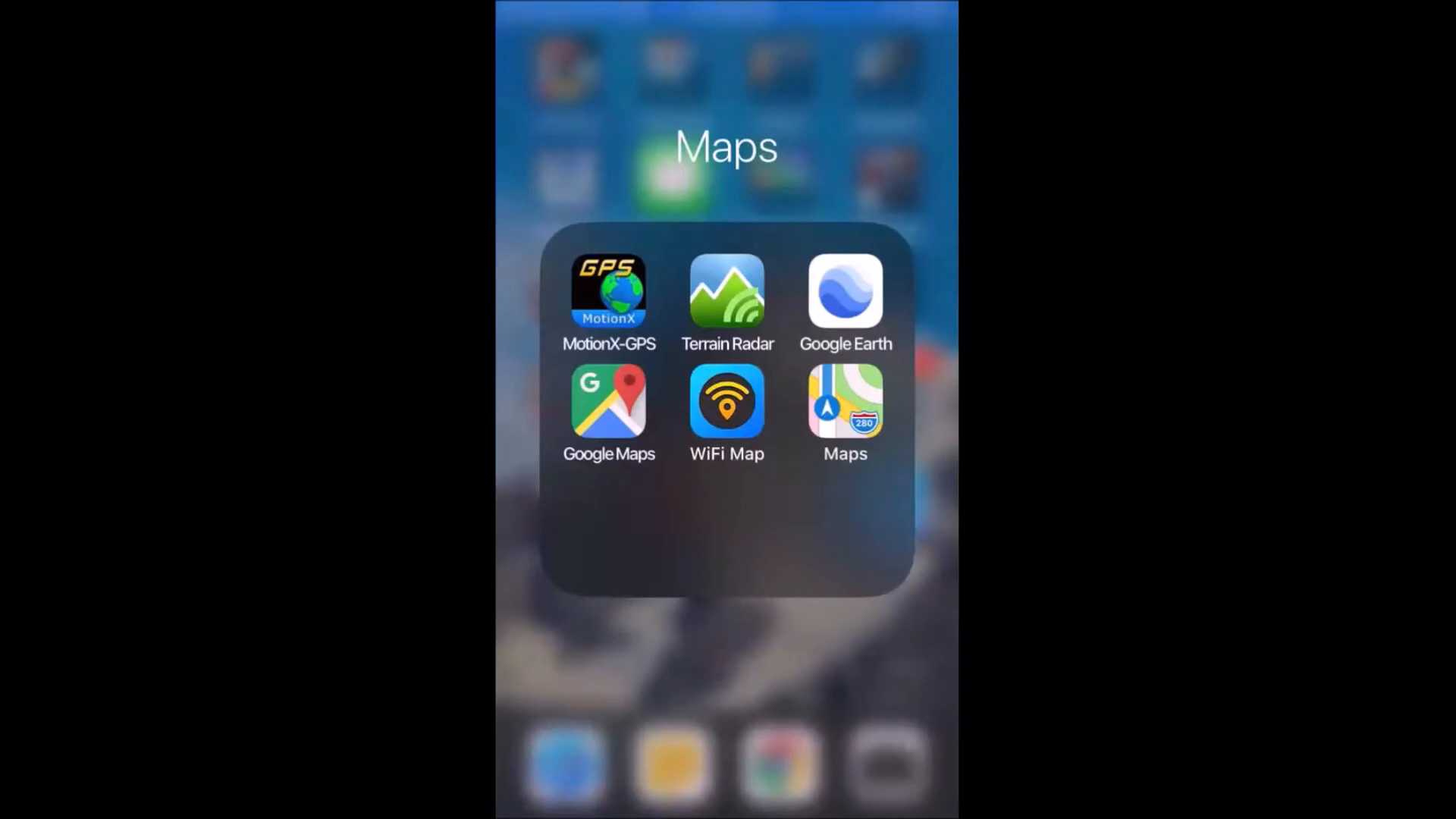
GPS Motion X: Your Go-To Mapping Tool
The most frequently used application for locating and mapping is GPS Motion X. This app comes in both a free version and a pro version for just $0.99. It allows users to track movements precisely, making it an invaluable tool in the field.
When in the field, I connect my phone to the car's lighter to maintain battery life while the app continuously tracks my movements. The app's ability to switch between cell tower and satellite signals ensures accurate location tracking. You can record tracks throughout the day, capturing average speed, distance, maximum speed, and elevation.
Live Updates and Safety Features
One standout feature of GPS Motion X is its live update capability. If activated, the app can send your location to a designated contact at regular intervals. This function is particularly crucial for safety when working in remote or potentially dangerous areas.
Moreover, the app allows you to save and share tracks via email or cloud storage services like Dropbox. This enables easy access to your mapping data for later use.
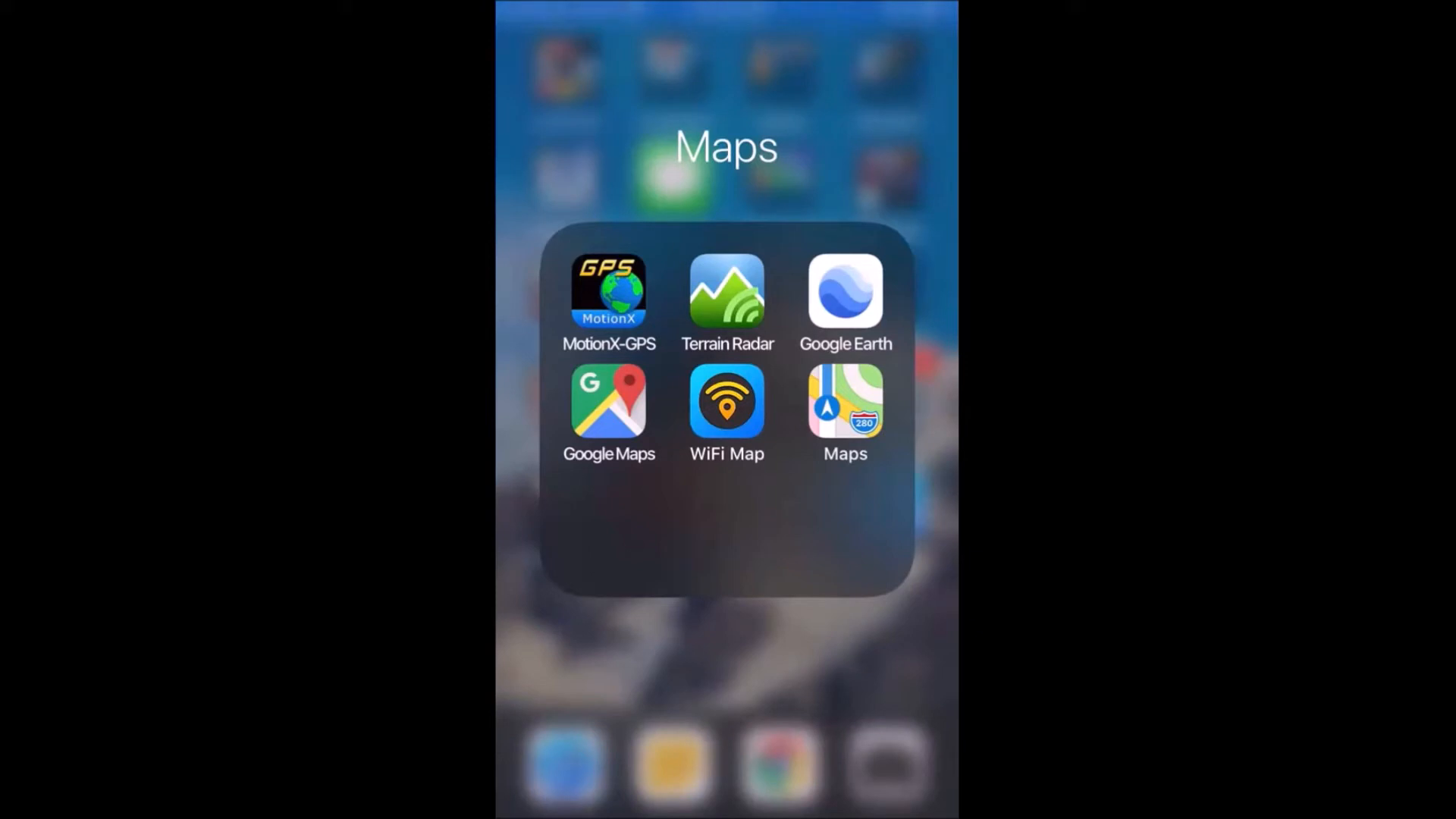
Terrain Radar: Elevation Tracking Made Easy
Another useful application is Terrain Radar, which provides elevation data based on your current location. Simply point your device in the desired direction, and it will display the elevation in real-time. This feature is particularly useful when navigating uneven terrain.
Google Earth and Google Maps
While these applications are widely known, they remain essential for any fieldwork. Google Maps helps navigate urban areas, while Google Earth provides a more detailed view of geographical features. Both tools can be invaluable for planning field trips and understanding the landscape.
Wi-Fi Map: Stay Connected
In the field, staying connected is crucial. The Wi-Fi Map app helps locate nearby Wi-Fi hotspots, ensuring you can access the internet when needed. This can be particularly useful in urban areas or when working near establishments that offer free Wi-Fi.
Geological Applications for Fieldwork 🪨
Beyond basic mapping, there are several specialized geological applications that can significantly enhance your fieldwork experience. These tools allow for detailed geological analysis and data collection without the need for bulky equipment.
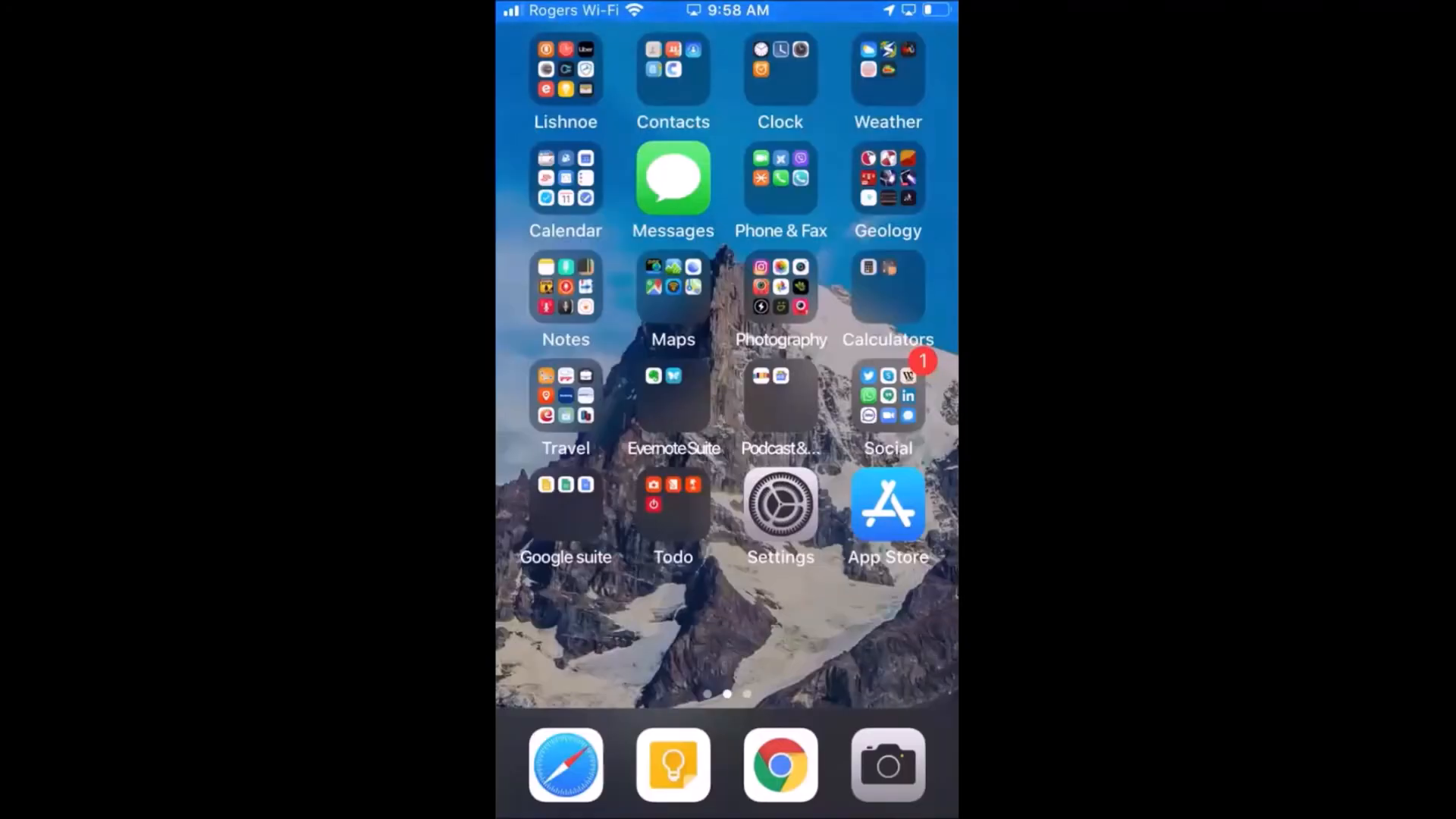
Cleaner: Your Digital Field Journal
Cleaner is arguably the most important application for geologists. It functions as a digital notebook, allowing users to record observations, structural analyses, and measurements directly from the field. The app is user-friendly and includes a help section to guide you through its features.
Start by defining your project within the app, inputting the project name, and automatically acquiring declination data. You can also add sample points and select from a list of rock types to relate measurements accurately.
Structural Analysis with Lumber and Mobius
For structural analysis, Lumber is a straightforward application that allows users to measure geological structures quickly. Simply orient your iPhone towards the structure of interest, click to record, and the app will capture essential data such as strike, latitude, and longitude.
Mobius, on the other hand, offers a more comprehensive range of measurement options, making it suitable for more advanced analyses. Both applications allow for the collection of extensive data that can be emailed or uploaded to cloud storage for further analysis.
Tool Box Pro: A Comprehensive Toolkit
Tool Box Pro is an all-in-one application that contains various tools beneficial for geological work. It includes features such as vibration monitoring and porosity testing for core samples. This versatility makes it an essential app for any geologist.
Lammeter: Magnetic Field Measurements
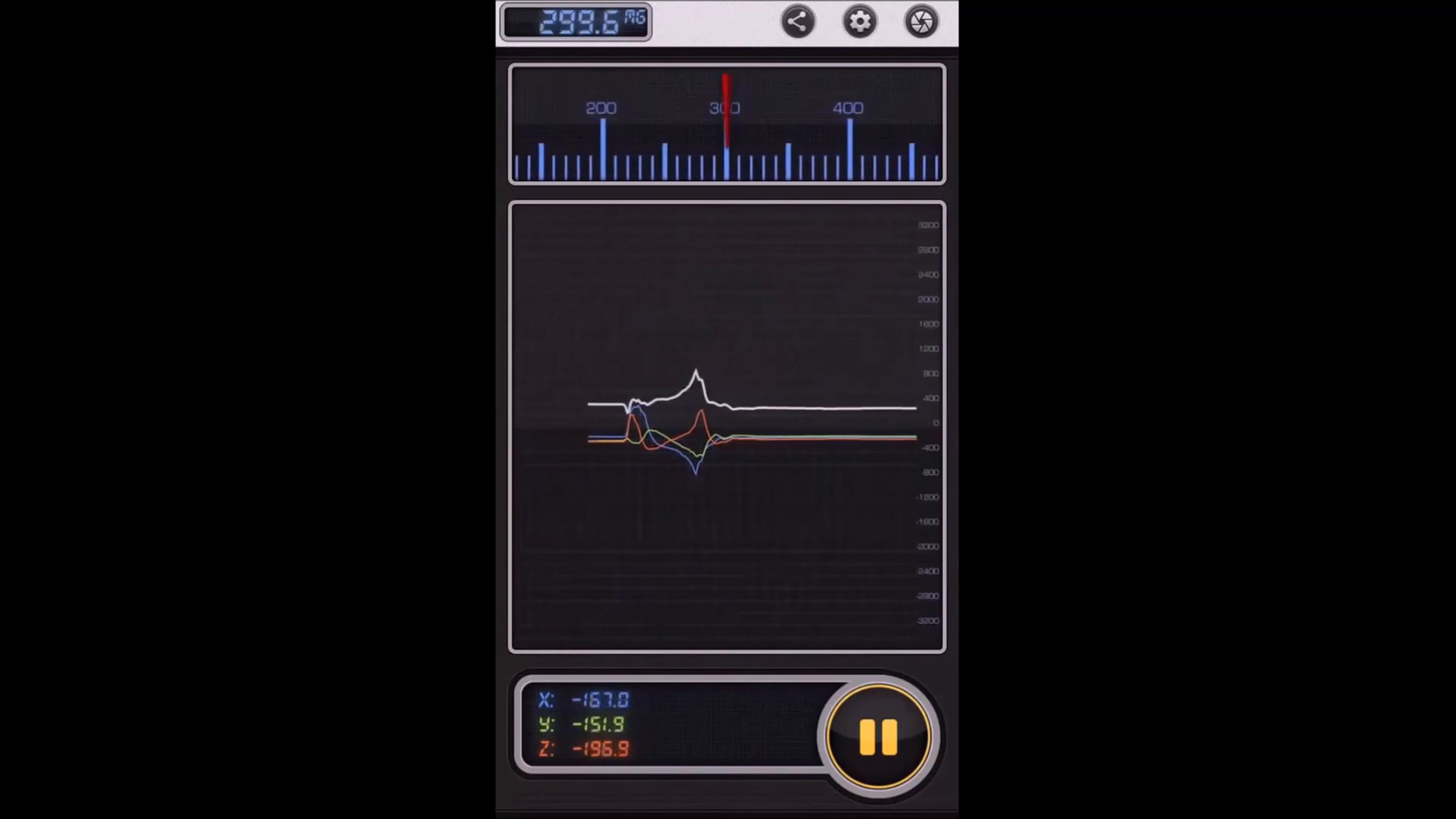
Lammeter is an exceptional application for measuring microteslas. It can be used while walking along a trench or throughout your day in the field, capturing valuable magnetic field data. The ability to download this information and create maps makes it an invaluable asset for geological surveys.
Other Useful Features
While some features may seem less critical, they can enhance your field experience. For example, a flashlight option can be handy during low-light conditions. Additionally, the SOS light feature could be vital in emergency situations.
Picture This: Plant Identification
Lastly, the Picture This application allows users to take photos of plants and receive instant identification. This can be particularly useful for geologists interested in understanding vegetation in their study areas.
Conclusion: Embrace Technology in Geology 📱
In conclusion, modern technology has revolutionized the way geologists operate in the field. With a smartphone and the right applications, you can perform a wide range of tasks that were once only achievable with expensive equipment. From mapping to data collection, these tools are no longer luxuries but necessities for efficient geological work.
FAQs ❓
1. What are the most essential apps for geological mapping?
The most essential apps include GPS Motion X for tracking, Cleaner for data collection, and specialized tools like Lumber for structural analysis.
2. Are there any free applications available for geologists?
Yes, many applications offer free versions, while some may have a nominal one-time fee, such as GPS Motion X.
3. How can I ensure my phone is protected while working in the field?
It is vital to use a shock-resistant, waterproof case with anti-scratch protection to safeguard your device during fieldwork.
4. Can I use these applications on Android devices?
Many of the applications mentioned are available on both iPhone and Android devices, though functionality may vary.
5. Where can I find more resources related to geological data?
You can access additional resources and data sets, such as those related to the Golden Droplets series, at Golden Droplets Episodes - Mendeley Data.
By embracing these technologies, geologists can enhance their productivity and accuracy in the field, making geology more accessible and efficient than ever before.
P. Geo. Ricardo A Valls, M. Sc.
Valls Geoconsultant
ORCID ID- https://orcid.org/0000-0002-5421-0914
Scopus Author ID: 7003369619/35335510700
ResearcherID: S-6604-2018
If you like this content, please "buy me a coffee" https://www.buymeacoffee.com/goldendroplets
#planetearth #geology #mining #exploration #education #earthscience #geologia #earthscienceteacher #cienciasnaturales #cienciasgeologicas #geochemistry #geochemistrybooks #geoquimica #trainingcourses #teachingonline #vallsgeoconsultant #vallsvg #technotectonics #goldendroplets #geovoices
Made with VideoToBlog


No comments:
Post a Comment