👋 Greetings
Hello and welcome to this comprehensive guide on data processing using Rapidminer and Talend. This blog aims to equip you with the knowledge to effectively utilize these powerful tools for your data science projects. Whether you're a beginner or an experienced user, you will find valuable insights and step-by-step instructions to enhance your data processing skills.
🚀 Intro to Rapidminer
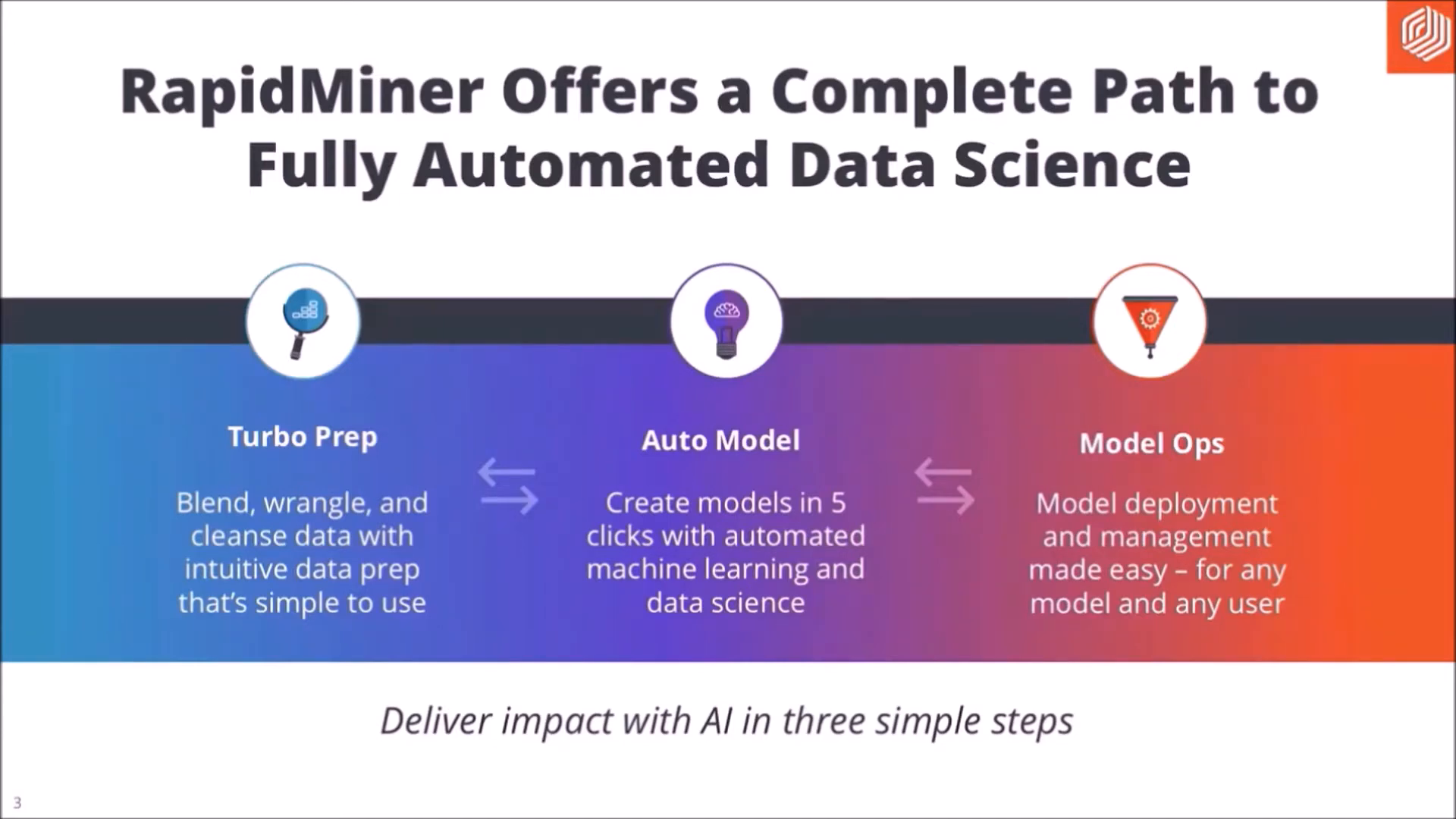
Rapidminer is a leading data science platform that supports every phase of the data science process. It offers capabilities for data preparation, machine learning, and model deployment all in one place. This section will introduce you to Rapidminer, focusing on its online and desktop versions.
🌐 Rapidminer Online
The online version of Rapidminer is accessible via their website. To get started, you need to create an account. Once registered, you can access the free Rapidminer Go, which allows for quick data processing. This section will guide you through the steps to build a predictive model using the online platform.
First, log into your Rapidminer account. You will be greeted with an interface that allows you to upload your data. For this tutorial, we will use a dataset containing 68 parameters and 119 samples related to domestic clients in the U.S. from 2007 to 2008.
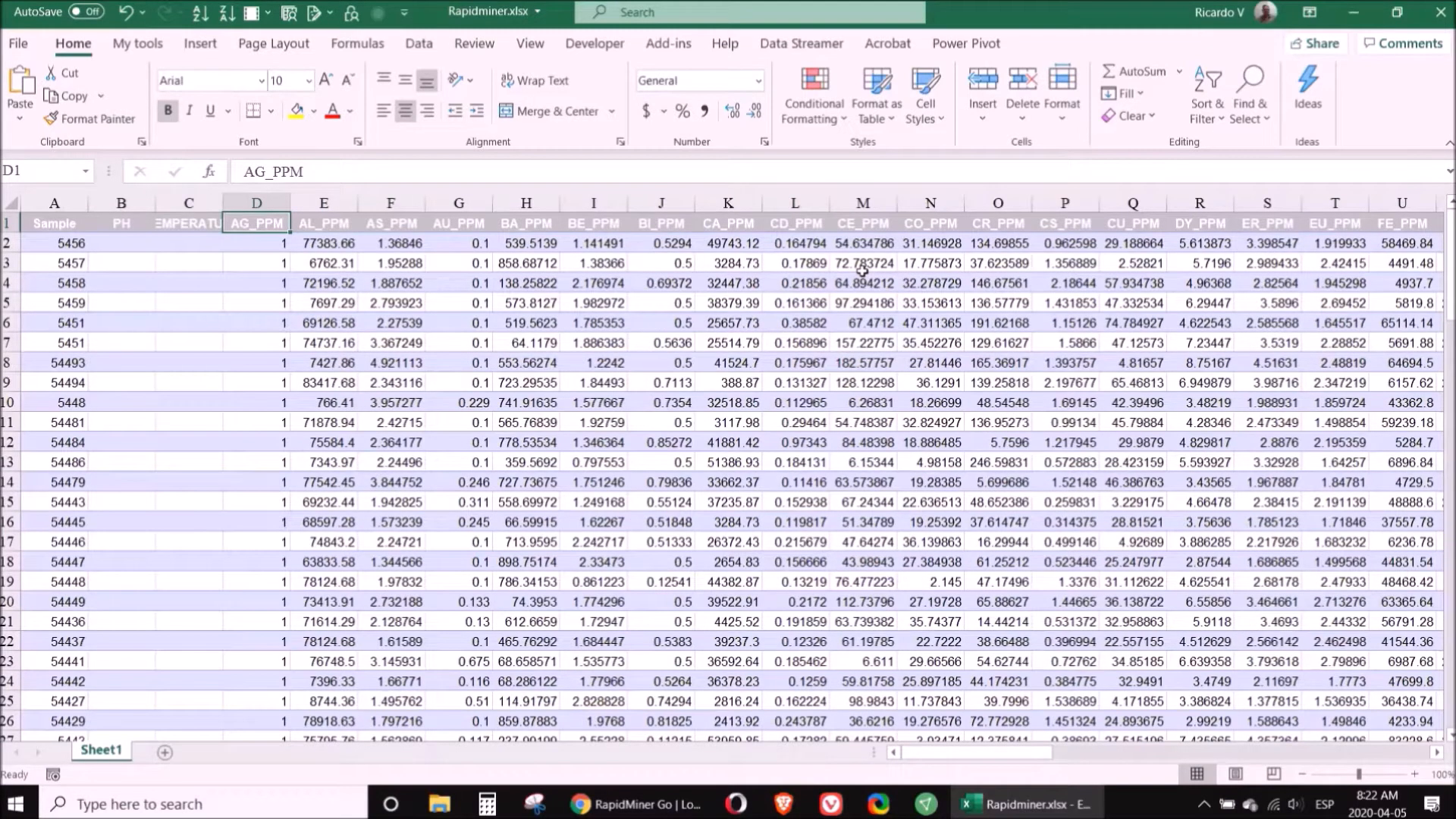
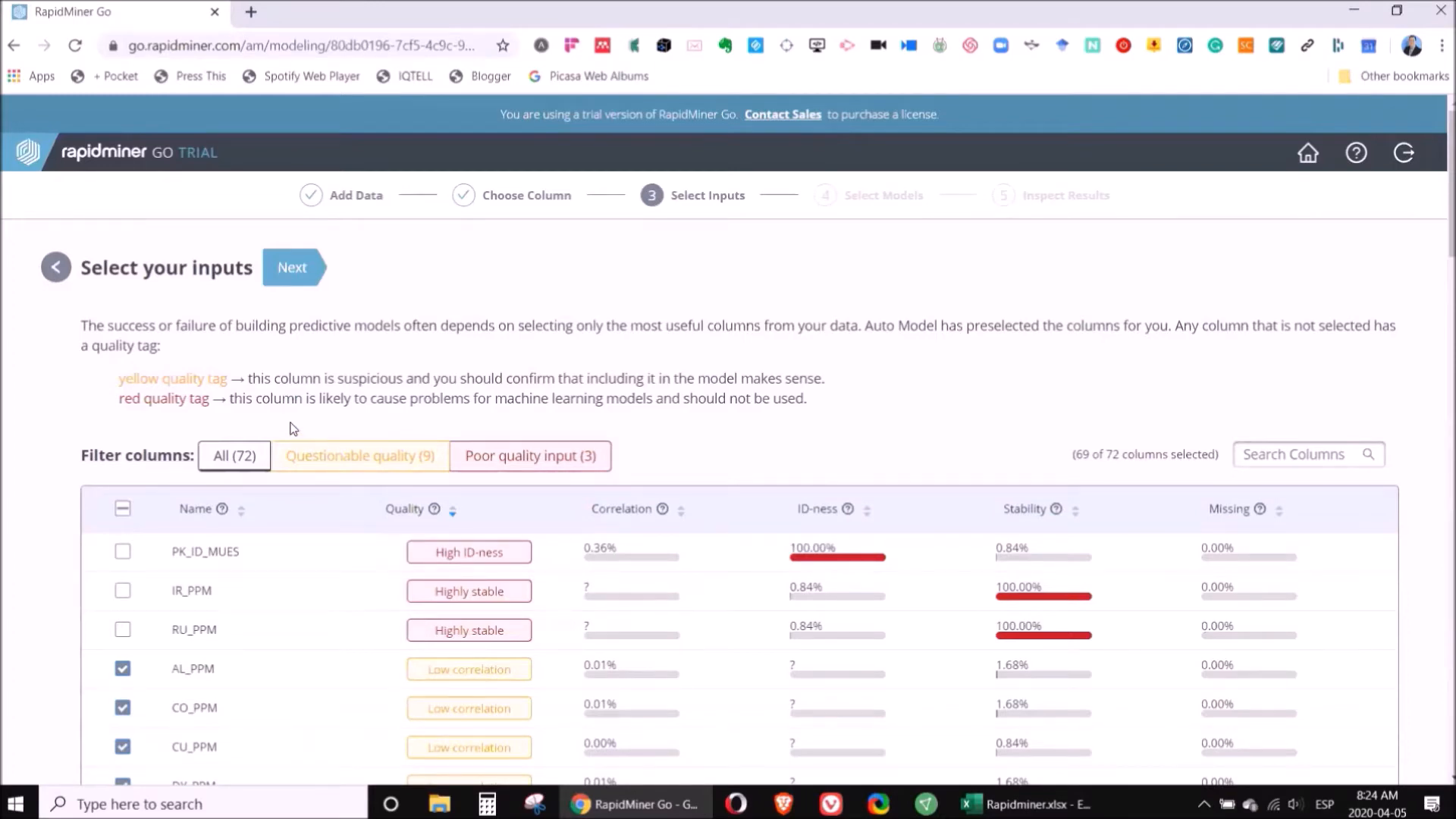
Once you have uploaded the data, select the column you want to predict. For example, if you are predicting gold concentration, you will focus on the relevant column. Rapidminer will automatically suggest which elements are the most significant for your prediction.
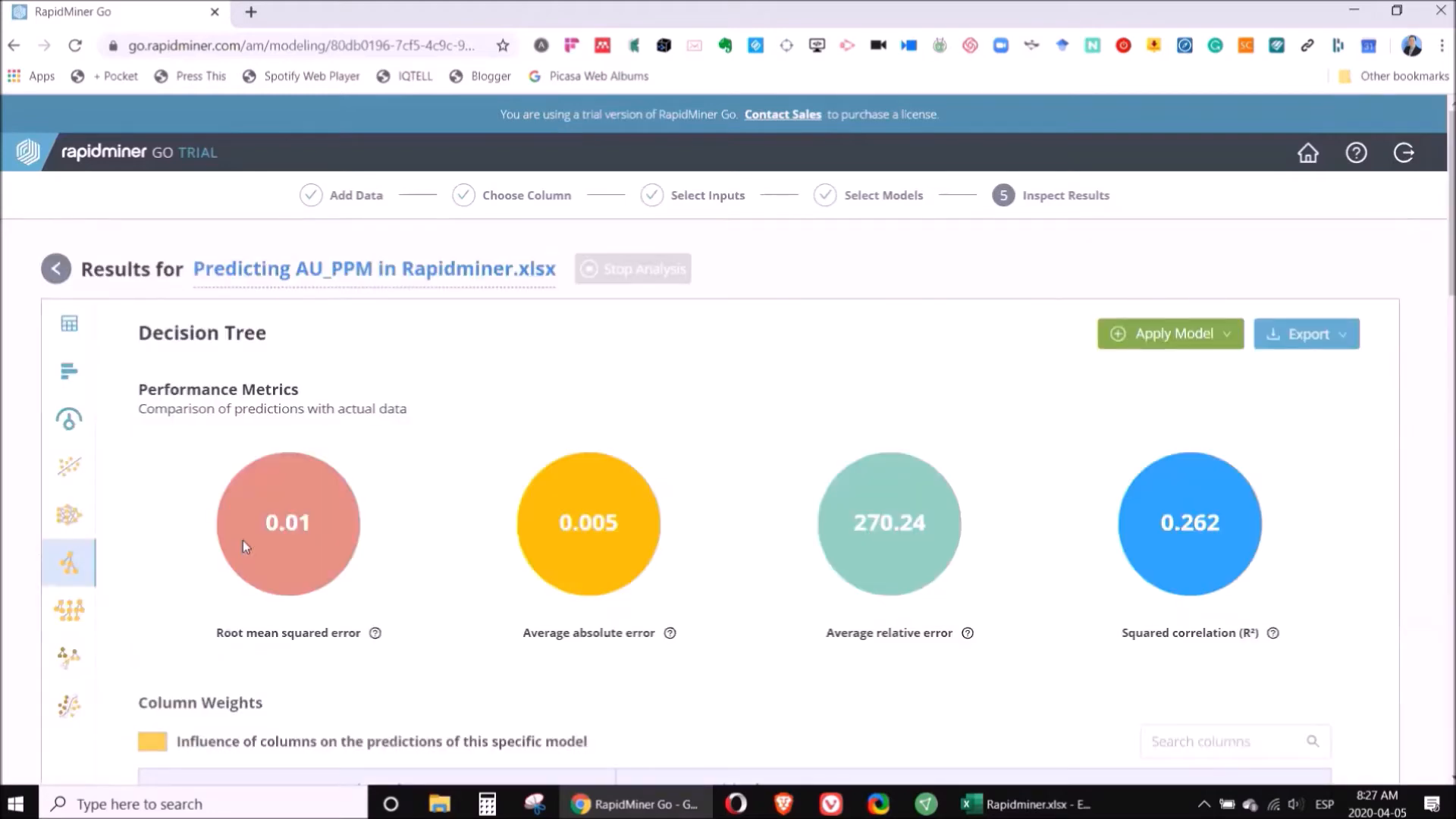
After selecting the important elements, you can run various models. A decision tree is often the best choice for geochemical data analysis. Rapidminer provides a clear explanation of the results, making it easy to understand the model's predictions.
💻 Rapidminer on Desktop
The desktop version of Rapidminer offers additional features and capabilities. You can download it from the Rapidminer website and use it for free for 15 days. After installation, create a new repository for your project. This guide will walk you through setting up your workspace and importing data.
When you open the desktop application, the first step is to create a folder called 'Repositories.' Inside this folder, create two subfolders: one for 'Data' and another for 'Processes.' This organization will help you manage your project efficiently.
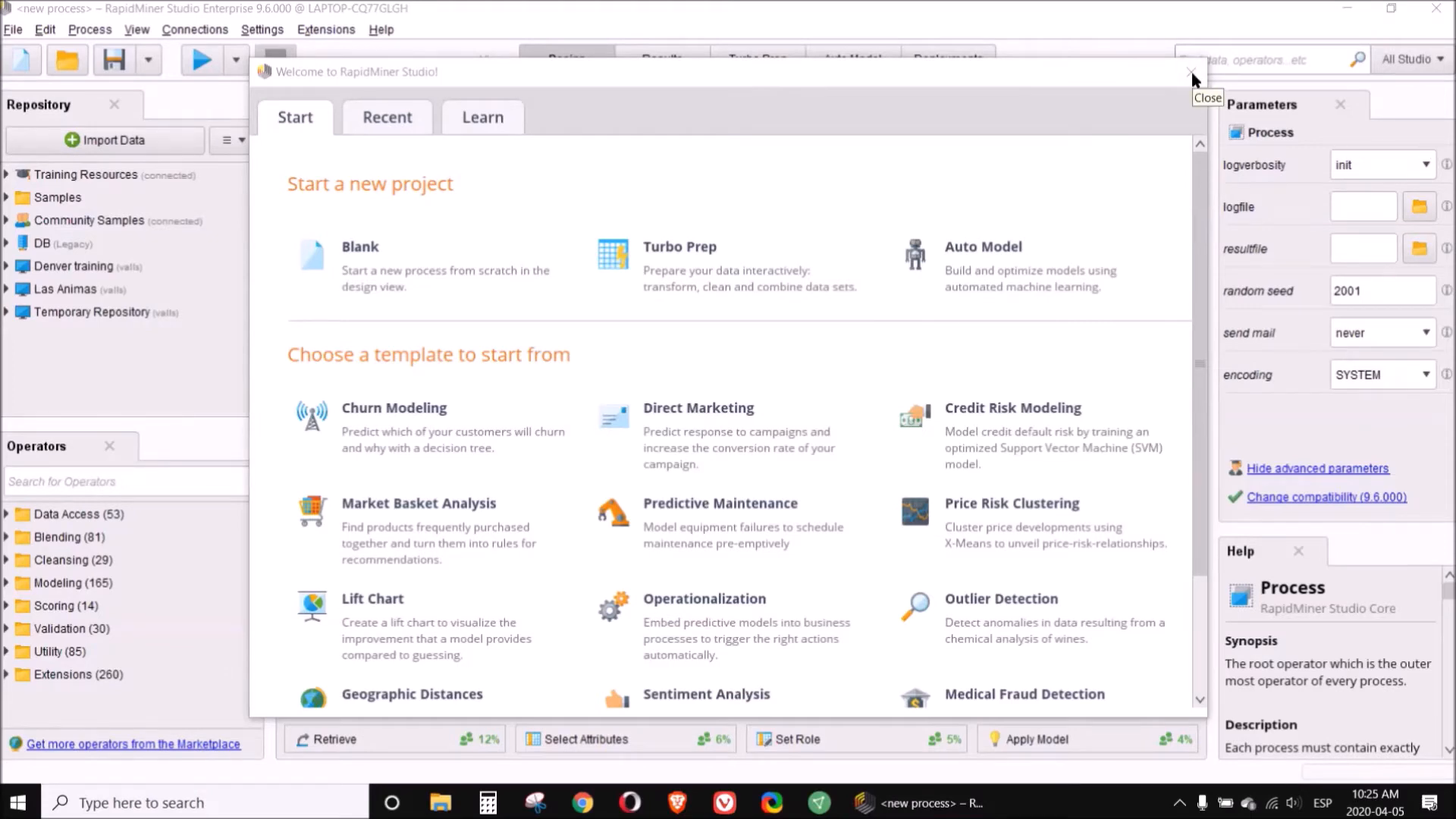
Next, import your data into the 'Data' folder. Ensure that the column you want to predict contains at least 100 valid values for the model to function correctly. Once imported, you can analyze the data using various statistical tools and visualizations provided by Rapidminer.
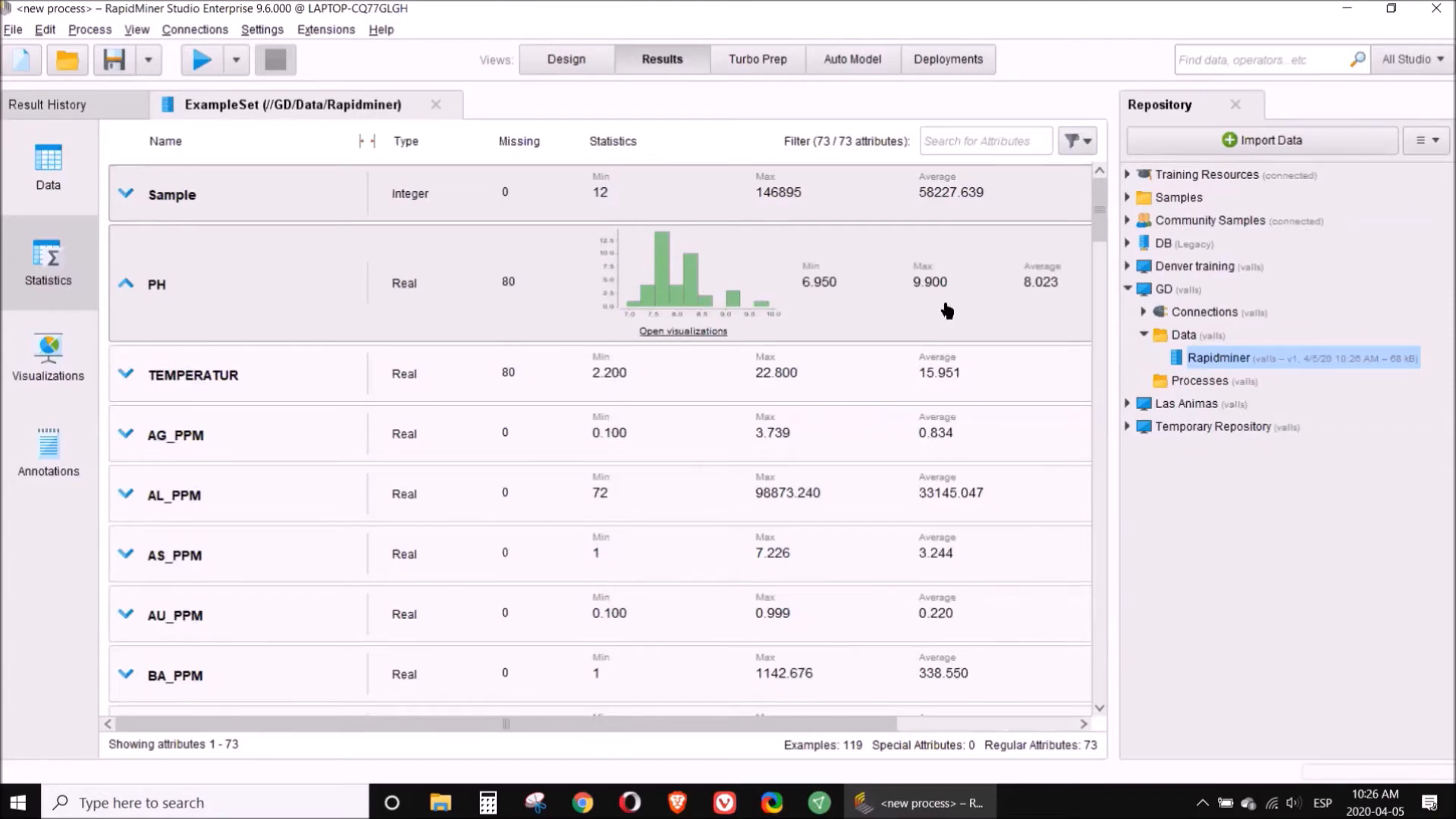
Utilize the data preparation features to clean your dataset. You can eliminate unnecessary columns or normalize data as needed. After preparing your data, you can start building models using the desktop application. The process is similar to the online version, but you may find additional tools and options available.
🔍 Intro to Talend
Talend is another powerful tool for data processing, particularly known for its ability to handle large datasets and automate data transformation processes. This section will introduce you to Talend and its online capabilities.
🌐 Talend Online
To use Talend, you must have internet access as it opens in a web browser. Once you log in, you can create workflows that automate data processing tasks. Talend is particularly beneficial when dealing with CSV files that require frequent updates.
For instance, if you receive regular CSV files from drilling campaigns, Talend allows you to program the necessary transformations and apply them with a single click. This saves you time and ensures consistency in your data processing.

As you create your workflow, Talend keeps a record of all the changes you make. This feature is incredibly useful for tracking your data processing steps. Additionally, you can access advanced statistics and suggestions for further transformations, enhancing your data preparation process.
❓ FAQ Section
What is the difference between Rapidminer online and desktop versions?
The online version is free and accessible through a web browser, while the desktop version offers more features and requires installation. The desktop version also allows for a trial period of 15 days before requiring a subscription.
How do I choose the right model for my data?
Choosing the right model depends on the nature of your data and your specific goals. For geochemical data, decision trees are often a solid choice. However, Rapidminer allows you to run multiple models to see which performs best.
Can I integrate Talend with Rapidminer?
Yes, you can use Talend to prepare your data and then import it into Rapidminer for analysis. This combination can streamline your data processing workflow significantly.
Is there a learning curve for using these tools?
Both Rapidminer and Talend have user-friendly interfaces, but there may be a learning curve depending on your familiarity with data processing concepts. However, both platforms offer tutorials and community support to help you get started.
In conclusion, mastering Rapidminer and Talend can significantly enhance your data processing capabilities. With the right approach, you can automate processes, analyze data effectively, and make informed decisions based on your findings. Happy data processing!
P. Geo. Ricardo A Valls, M. Sc.
Valls Geoconsultant
ORCID ID- https://orcid.org/0000-0002-5421-0914
Scopus Author ID: 7003369619/35335510700
ResearcherID: S-6604-2018
If you like this content, please "buy me a coffee" https://www.buymeacoffee.com/goldendroplets
#planetearth #geology #mining #exploration #education #earthscience #geologia #earthscienceteacher #cienciasnaturales #cienciasgeologicas #geochemistry #geochemistrybooks #geoquimica #trainingcourses #teachingonline #vallsgeoconsultant #vallsvg #technotectonics #goldendroplets #geovoices


No comments:
Post a Comment